Account controls
Delete your account and data
You can permanently delete your Dhurandhar Games account from inside the game.
Delete your account in the game
- Open Andar Bahar Royale.
- Open the game menu and select Settings.
- Select Delete account.
- If asked, confirm your identity again using the Google or Facebook account linked to your game account.
- Review the warning and confirm deletion.


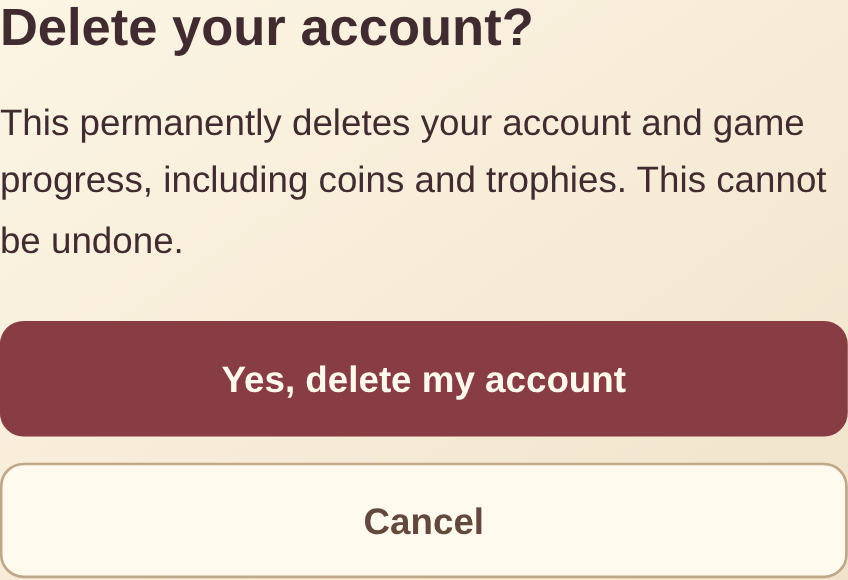
Deletion is permanent. You will lose access to your player profile, linked sign-in methods, settings, virtual balances, game progress, rewards and other playable account data.
If you cannot access the game
Email support@dhurandhar.gg with the subject “Account deletion request.” Include your player ID if available and the Google or Facebook sign-in method linked to the account. Do not send a password or one-time password.
We may ask for additional information to verify that you control the account before processing the request.
What may be retained
Limited pseudonymous ledger, fraud-prevention, security or legal records may be retained where reasonably necessary and lawful. These records are not available as a playable account. See our Privacy Policy for more information.